A domain name is the one asset that every other part of your infrastructure depends on. Your website, your customer email, your API endpoints, your SSO logins, and your payment callbacks all resolve through it. When the domain fails, every one of those systems fails with it, and your server dashboards stay green the whole time.
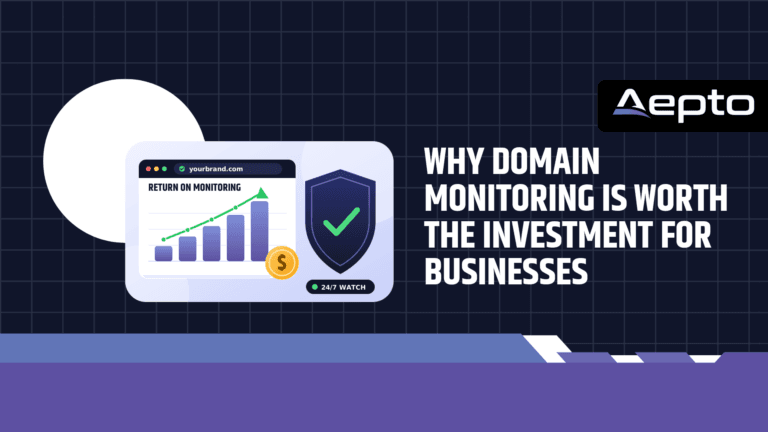
That is the core problem: a healthy origin server tells you nothing about whether the internet can still find it. Domain monitoring Is Worth the Investment for Businesses, closing that blind spot by watching expiration dates, registry status codes, nameservers, and DNS records from outside your network.
Many businesses still treat domain monitoring as optional overhead. They rely on registrar reminder emails and an auto-renew checkbox. This article makes the financial and operational case against that approach. You will see what domain failures actually cost, how to calculate a return on investment with your own numbers, which commands let you audit your domains today, and how to roll out monitoring in a way that survives staff turnover.
Key takeaways:
- Domain failures cause total outages that uptime checks on your own servers cannot predict.
- The cost of one expiration or hijack usually exceeds several years of monitoring fees.
- Registrar reminders fail because they depend on one inbox, one person, and one payment method.
- Monitoring also protects email delivery, search rankings, and brand trust.
What Domain Monitoring Covers
Domain monitoring is the continuous, automated tracking of the registry and DNS data that controls where your domain points and who controls it. It is not the same as website uptime monitoring, although the two work best together. Uptime monitoring asks whether your server answers a request. Domain monitoring asks whether the internet still routes requests to your server at all.
The Data Points a Monitor Tracks
- Expiration date: The date the registry will stop honoring your registration. A monitor reads it from WHOIS or RDAP data and alerts you at set intervals before it passes.
- EPP status codes: Flags such as
clientTransferProhibitedandclientUpdateProhibitedthat lock the domain against transfers and changes. A removed lock is often the first sign of a hijack attempt. - Authoritative nameservers: The NS records that decide which DNS provider answers for your domain. An unexpected change redirects all traffic.
- MX records: The mail exchangers that receive your email. A silent change lets an attacker read or divert your messages.
- TXT records: SPF, DKIM, and DMARC entries that prove your email is legitimate. Tampering here enables spoofing and phishing in your name.
- A and AAAA records: The IP addresses your hostnames resolve to.
- Registrar and contact data: Changes in registrar, registrant, or administrative contacts that you did not authorize.
Why Server Monitoring Cannot Replace It
Consider a hijacked nameserver record. The attacker points your domain at a clone of your site on their own infrastructure. Your original server keeps running, so any check that connects to its IP address passes. Customers, meanwhile, land on the clone. The same logic applies to an expired domain: your server is fine, but no resolver can find it. Only a monitor that queries the registry and the public DNS system from outside your network sees these failures.
What a Domain Failure Really Costs
The direct price of a domain is small. A typical registration costs a few dollars per month. That low price hides the size of the risk, because the value of a domain equals the value of everything that routes through it. A domain failure is rarely a quiet event, and it follows a predictable sequence.
The Expiration Timeline
When a registration lapses, most registrars place the domain in a grace period. Your site often stops working immediately or soon after, because many registrars swap your nameservers for a parking page. If nobody renews, the domain moves to a redemption period. Recovery in that phase usually requires a restoration fee on top of the normal renewal price, and the domain may be removed from the zone entirely so nothing resolves. Policies differ between registrars and between top-level domains, so you cannot assume a generous window. Finally, an unrecovered domain becomes available for anyone to register, including competitors and squatters. Our guide on how to protect your domain name from expiring covers the registrar side of this timeline in more detail.
The Cost Categories
| Cost Category | What Happens | How It Shows Up |
|---|---|---|
| Lost revenue | Customers cannot reach your store, booking page, or checkout. | Revenue per hour multiplied by outage hours |
| Bounced email | Messages to your domain fail, so orders, support requests, and invoices vanish. | Lost leads and delayed payments |
| Wasted ad spend | Paid campaigns keep sending clicks to a dead destination. | Advertising invoices with zero conversions |
| Recovery fees | Restoration or redemption fees apply, plus staff time. | Registrar invoice and engineering hours |
| Search ranking loss | Crawlers find errors, and recovery of organic traffic can take longer than recovery of the domain. | Lower organic sessions for weeks |
| Brand and trust damage | Customers assume the business has closed or been compromised. | Churn and support volume |
| Legal and contract exposure | Agencies and managed service providers may owe clients compensation. | Credits, refunds, or disputes |
Notice that only one row, recovery fees, involves money paid to the registrar. Every other row is a business consequence. That is why the price of the domain tells you almost nothing about the price of losing it.
Calculating the ROI of Domain Monitoring
You can justify monitoring with a simple expected-loss calculation. You do not need exact probabilities. You need an honest estimate of the cost of one incident and a conservative guess at how often incidents occur across your portfolio.
The Formula
Expected annual loss equals the number of domains, multiplied by the yearly probability of a domain incident, multiplied by the average cost of one incident. Monitoring pays for itself when it reduces that figure by more than it costs.
#!/usr/bin/env bash
# Illustrative expected-loss estimate. Replace the values with your own.
domains=40                 # domains your business owns
incident_probability=0.03  # 3 percent yearly chance per domain
daily_revenue=4000         # revenue routed through the domain per day
outage_days=3              # typical time to notice and recover without monitoring
recovery_cost=1500         # fees plus engineering and ad waste

cost_per_incident=$(( daily_revenue * outage_days + recovery_cost ))
expected_loss=$(echo "$domains * $incident_probability * $cost_per_incident" | bc -l)

echo "Cost of one incident: $cost_per_incident"
echo "Expected annual loss: $expected_loss"
With these example inputs, one incident costs 13,500 and the expected annual loss across the portfolio is 16,200. The inputs are illustrative, not benchmarks, so substitute your own revenue and domain count. Even if you cut the probability by two thirds, the expected loss still exceeds the typical yearly fee of a monitoring platform by a wide margin.
Take the Work Out of Domain Monitoring
Monitor your domains with Aepto’s AI-powered system and spend less time checking websites, ownership changes, expirations, and other important domain activity manually.
Example Scenarios
| Business Type | Revenue Routed per Day | Outage Without Alert | Estimated Incident Cost |
|---|---|---|---|
| Local service business | 500 | 3 days | 1,500 plus lost leads and recovery time |
| Online store | 4,000 | 3 days | 12,000 plus recovery and ad waste |
| SaaS company | 10,000 | 1 day | 10,000 plus churn and support load |
| Web agency with 60 client domains | Not applicable | Any outage | Contract credits and reputation damage |
These figures are examples that show the shape of the calculation. The important pattern is the asymmetry: the monitor costs a small, predictable amount every month, while the incident is a rare but large and unbudgeted loss. Insurance works the same way, and domain monitoring is considerably cheaper than most insurance.
Why Registrar Reminders Are Not Enough
Every registrar sends renewal emails, and many offer auto-renew. These features help, but each has a failure mode that monitoring does not share. Registrar reminders go to one contact address. When that mailbox belongs to a former employee, a personal account, or a departed agency, the warning disappears. Auto-renew fails when the card on file expires, when the issuing bank declines a charge, or when someone disabled the setting years ago and forgot. Neither feature tells you when your nameservers change or when a transfer lock is removed.
| Capability | Registrar Reminders and Auto-Renew | Dedicated Domain Monitoring |
|---|---|---|
| Expiration warnings | A few emails to one address | Escalating alerts to shared channels |
| Payment failure detection | Only if the registrar emails you | Detected through the approaching expiration date |
| Nameserver change detection | None | Continuous comparison against a baseline |
| Registry lock changes | None | Alert when EPP status codes change |
| Multi-registrar view | One dashboard per registrar | One dashboard for every registrar |
| Alert destinations | Email only | Email, webhooks, SMS, and chat tools |
| Staff turnover resilience | Low | High, because alerts go to team channels |
The comparison shows that monitoring does not replace your registrar. It adds an independent second opinion that does not share your registrar’s failure modes. Independence is the entire value. If your billing system and your warning system break at the same time, you have only one safety net, not two. Features such as smart domain renewal alerts exist to route those warnings to the people who can act on them, instead of to a single forgotten inbox.
Diagnostic Commands to Audit Your Domains Today
You can start without buying anything. A short audit with standard command-line tools shows how exposed your current portfolio is. Run these checks on a Linux or macOS terminal. They also teach you which signals a monitoring platform automates for you.
Check Expiration and Status Codes
whois example.com | grep -i -E 'Registry Expiry Date|Registrar:|Domain Status'
The output shows the expiry date, the registrar, and the EPP status codes. If you do not see a transfer-prohibited status, your domain has no registrar lock, and you should enable one immediately.
Check Nameservers, Mail, and Email Authentication
dig +short NS example.com
dig +short MX example.com
dig +short TXT example.com
dig +short A example.com
Save this output as a baseline. A monitor compares live results against a stored baseline like this one and alerts you when they differ. Without a baseline, you cannot recognize a malicious change, because you do not know what the correct answer looks like.
Script a Days-to-Expiry Report
#!/usr/bin/env bash
# Print the days remaining before each domain expires (GNU date required).
for domain in example.com example.org example.net; do
  expiry=$(whois "$domain" | grep -i -m1 'Registry Expiry Date' | awk '{print $NF}')
  days=$(( ( $(date -d "$expiry" +%s) - $(date +%s) ) / 86400 ))
  echo "$domain expires in $days days"
done
This script works for a handful of domains. It breaks down at scale for three reasons: public WHOIS servers rate-limit repeated queries, output formats differ between registries, and a cron job that fails silently gives you false comfort. If you want a walkthrough of the process from the hosting side, the Limitless Hosting guide on how to find out when domains expire explains the lookup methods in detail. A managed monitor replaces the fragile script with queries made against registry data at scale.
Security and Brand Protection Benefits
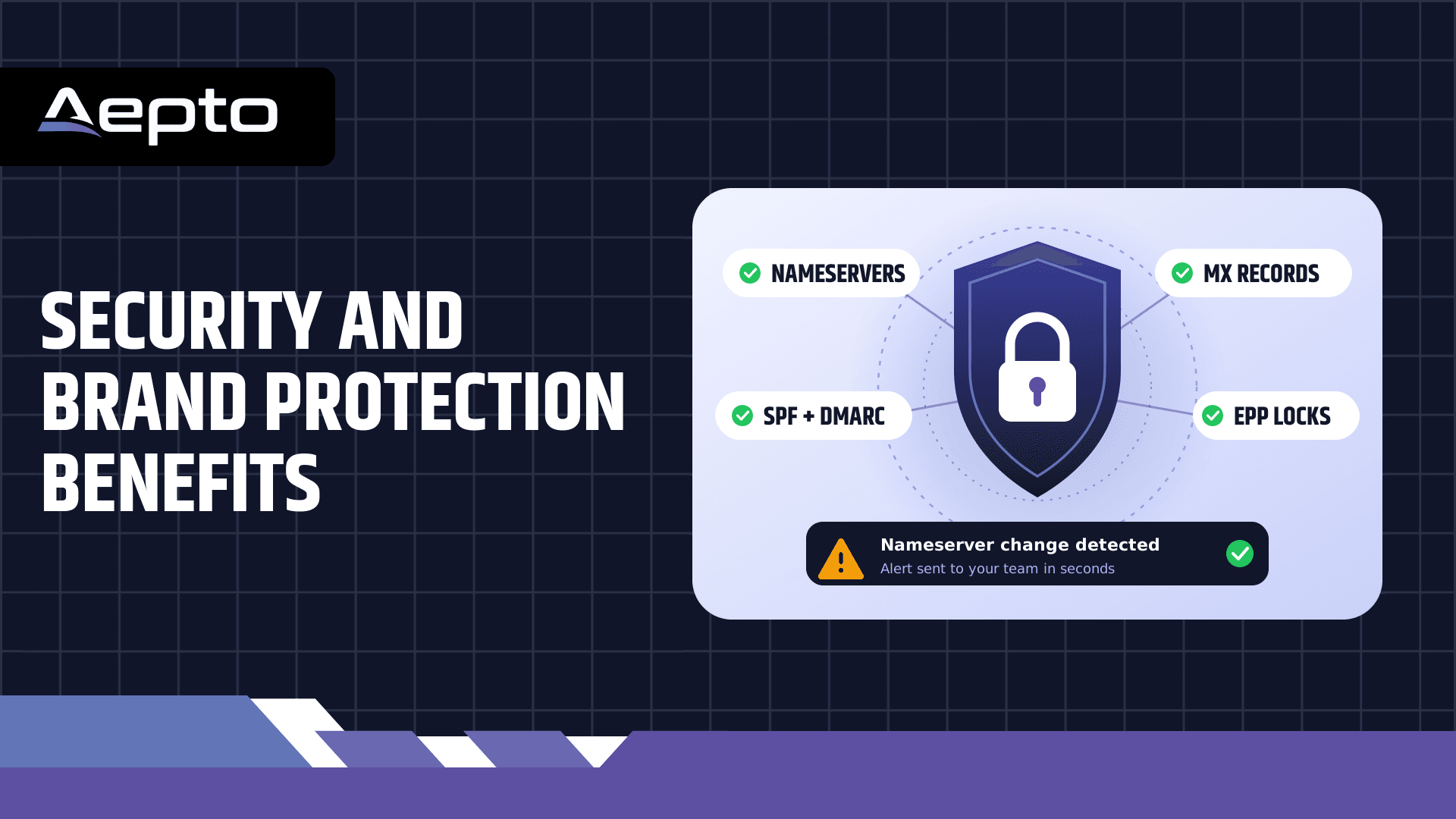
Expiration is only one half of the value. The other half is security. Attackers target registrar accounts because one successful login gives them control over web traffic, email, and certificate validation at once. Most of the damage happens quietly, and the first sign of trouble is often a customer complaint.
Threats a Monitor Catches Early
- Nameserver hijacking: The attacker changes your NS records so all traffic flows to their servers. A monitor flags the unexpected change within its next check cycle.
- Transfer attempts: The attacker removes the registrar lock before moving the domain. An alert on EPP status changes gives you time to act before the transfer completes.
- Email interception: A modified MX record routes your mail through a third party. Monitoring the record set catches the change.
- Spoofing preparation: Altered SPF or DMARC records make fraudulent email look authentic. Comparing TXT records against the baseline reveals the tampering.
- Dangling subdomains: A CNAME that points to a decommissioned cloud service invites a takeover. Zone audits flag orphaned records before an attacker claims them.
A transfer lock and a monitor work as a pair. The lock makes a hijack harder, and the monitor tells you when someone has defeated the lock. For a deeper look at how registry-level tracking stops theft, see how domain protection and theft guard works in practice. The earlier you see a change, the more options you have: you can contact the registrar, freeze the account, and begin a dispute while the evidence is fresh.
How to Roll Out Domain Monitoring
A good rollout takes a few days, not a few months. Follow these steps in order, and keep each one small enough to finish in a single working session.
Step 1: Build a Complete Domain Inventory
List every domain your organization owns, including the ones registered by marketing for campaigns, by regional offices, and by past agencies. Forgotten domains cause many of the worst incidents because nobody owns the renewal. Record the registrar, the account owner, the expiry date, and the business purpose of each domain. Domains with no clear purpose are candidates for deliberate retirement rather than silent neglect.
Step 2: Establish Baselines
Capture the authorized nameservers, MX records, TXT records, and IP addresses for every critical domain. Treat this baseline as a controlled document. Changes should follow a change-management process, so a legitimate update never triggers a false alarm for long.
Step 3: Define Alert Thresholds and Owners
Set expiration alerts at several intervals, such as 90, 60, 30, 14, and 7 days. Send them to a shared mailbox and a team chat channel, never to one person. Assign a named owner for each domain and a backup owner who can act when the first is unavailable. Use smart global uptime monitoring alongside domain checks, so a resolution failure and a server failure appear in the same alert stream and your team can tell them apart quickly.
Step 4: Wire Alerts Into Your Incident Process
An alert that nobody reads is worth nothing. Connect notifications to the tools your responders already watch: chat, a paging service, or a ticketing system through webhooks. Write a short runbook for each alert type. A nameserver change alert should tell the responder to verify the change with the registrar, check the account audit log, and rotate credentials if the change was not authorized.
Step 5: Review Quarterly
Domain portfolios drift. Review the inventory every quarter, remove domains you no longer need, update owners after staff changes, and confirm that every alert channel still reaches a human.
Common Mistakes That Undermine Monitoring
Most monitoring failures are process failures, not tool failures. Avoid these patterns.
- Alerting one person: A single recipient creates a single point of failure. Use shared channels and a backup owner.
- Ignoring low-value domains: Defensive domains, typo variants, and old campaign domains still carry brand risk. An attacker who grabs one can impersonate you.
- Skipping baselines: Without a trusted record of correct values, you cannot judge whether a change is legitimate.
- Relying on auto-renew alone: Auto-renew depends on a valid payment method and an enabled setting. Verify both, and monitor the result.
- Monitoring domains but not certificates and uptime: A domain can be healthy while an SSL certificate expires. Combine all three signals for complete coverage.
- Scattered registrars with no central view: Spreading domains across many accounts hides risk. Consolidating visibility, as described in why centralized domain management matters, removes the guesswork even when the domains themselves stay where they are.
Conclusion: Domain Monitoring Is Worth the Investment for Businesses
Domain monitoring is worth the investment because it turns a rare but severe business risk into a routine, low-cost operational task. The monitor itself costs little. The failures it prevents, including expired registrations, hijacked nameservers, and silent changes to mail records, cost orders of magnitude more once you count lost revenue, bounced email, ranking damage, and lost trust. Registrar reminders and auto-renew remain useful, but they share failure modes with your billing and your inboxes. An independent monitor does not.
Start with the audit commands in this guide, build your inventory, and capture your baselines. Then put continuous monitoring in place so that the next unexpected change reaches your team in minutes instead of reaching your customers first. Create your free account and start monitoring your domains with Aepto today.
Frequently Asked Questions
1. Is domain monitoring different from website uptime monitoring?
Yes. Uptime monitoring sends requests to your server and checks the response, so it detects server crashes, slow responses, and application errors. Domain monitoring checks the registry and DNS layer that sits in front of your server: expiration dates, EPP status codes, nameservers, and mail records. A domain can expire or be hijacked while your server stays perfectly healthy, which means uptime checks may show no problem. Most businesses need both, because each one covers failures the other cannot see.
2. How much does a domain expiration actually cost?
The cost depends on your revenue and on how quickly you notice. Add the revenue lost per hour, the value of bounced email, wasted advertising spend, restoration fees from the registrar, and the engineering time spent on recovery. Then add the slower costs: search rankings that take weeks to recover and customers who assumed you had closed. Use the expected-loss formula in this article with your own figures. For most businesses with meaningful online revenue, one incident costs more than several years of monitoring.
3. If I enable auto-renew, do I still need monitoring?
Yes. Auto-renew fails silently in common situations: an expired or replaced payment card, a bank decline, a disabled setting, or an account locked for verification. Auto-renew also does nothing about unauthorized nameserver changes, removed registry locks, or altered MX records. Monitoring gives you an independent check that the renewal actually happened and that your configuration still matches your baseline.
4. How often should a domain monitor check my domains?
Expiration data changes slowly, so a daily check is enough for that signal, provided the alerts escalate as the date approaches. Security-relevant data such as nameservers, EPP status codes, and MX records should be checked far more frequently, because a hijack can complete within hours. Continuous or high-frequency checks shrink the window between an unauthorized change and your response. Pick a platform that checks the security signals on a short interval and sends alerts immediately.
5. Which domains should I monitor?
Monitor every domain that your business owns, not only the main brand domain. That includes campaign domains, regional domains, typo variants, defensive registrations, and domains that clients registered through your agency. Attackers favor forgotten domains because nobody watches them. If a domain has no purpose, retire it deliberately instead of leaving it to lapse by accident.
6. What should I do when a monitor reports an unexpected nameserver change?
Treat it as a potential security incident. First, confirm the change by querying the registry with whois and the nameservers with dig NS. Second, log in to the registrar and review the account audit log for recent activity. Third, if the change is unauthorized, contact the registrar’s security team, restore the correct nameservers, enable or restore the transfer lock, and rotate the account password and multi-factor credentials. Fourth, review email and certificate records for further tampering. A written runbook makes these steps faster under pressure.
7. Can I monitor domains that are registered at different registrars?
Yes. Registry and DNS data is publicly queryable, so a monitor does not need to host your domains. You can keep each domain at its current registrar and watch all of them from a single dashboard. This approach avoids the cost and risk of mass transfers while still giving you one consolidated view of expiration dates and configuration changes.
Latest Posts:
- Why Domain Monitoring Is Worth the Investment for Businesses
- How to Reduce the Cost of Monitoring Multiple Domains
- How to Reduce the Cost of Monitoring Multiple Domains
- Aepto Tech Stack Detector Extension: Hosting, CDN & CMS
- Is Domain Protection Worth It? The Definitive Guide to Safeguarding Your Digital Identity