When you land on a website that looks fast, polished, and reliable, it is natural to wonder what is running behind the scenes. Is it hosted on a cloud platform or a traditional server? Does a content delivery network (CDN) sit between visitors and the origin? Is the site powered by WordPress, Shopify, or a custom application? Answering these questions usually means opening developer tools, inspecting response headers, checking DNS records, and searching through page source.
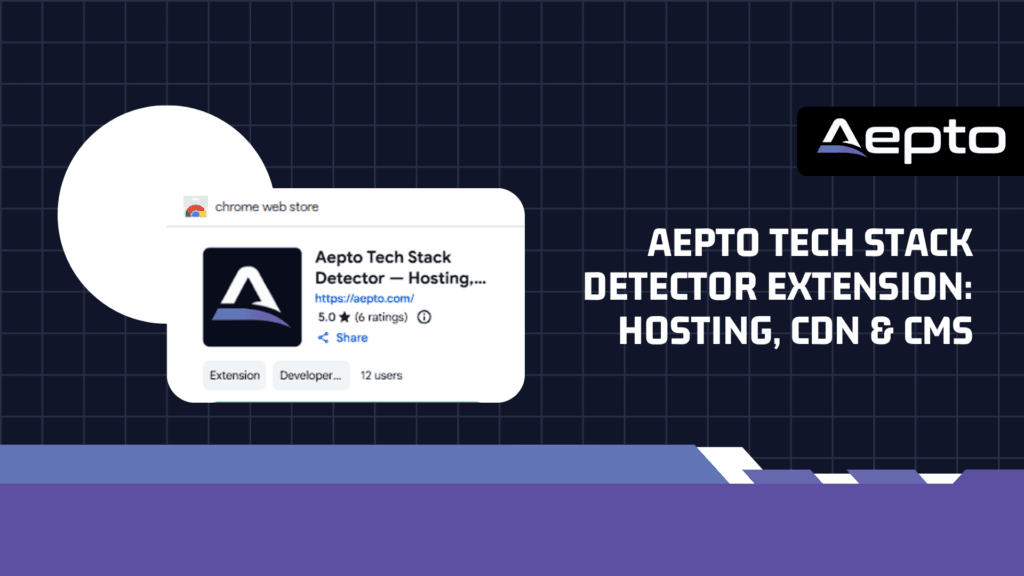
The Aepto Tech Stack Detector – Hosting, CDN & CMS Chrome extension brings many of these clues into one browser popup. It is designed to help you inspect a website’s visible infrastructure while you browse, without turning every quick question into a manual investigation. This guide explains what it can reveal, how to use it, how to interpret the results, and where technology detection fits into a responsible website audit.
What Is the Aepto Tech Stack Detector?
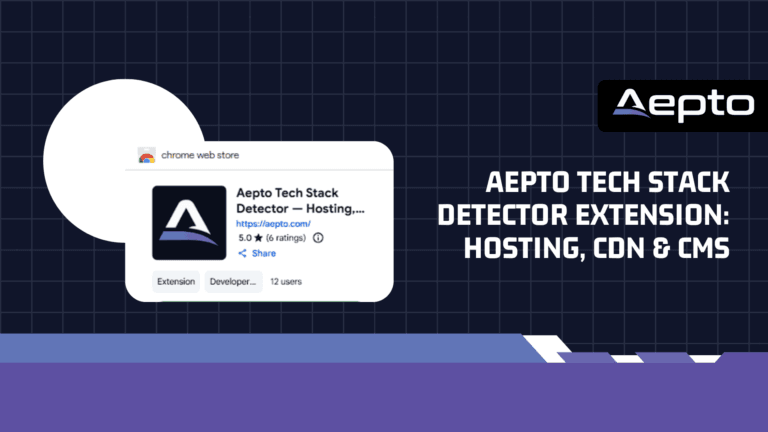
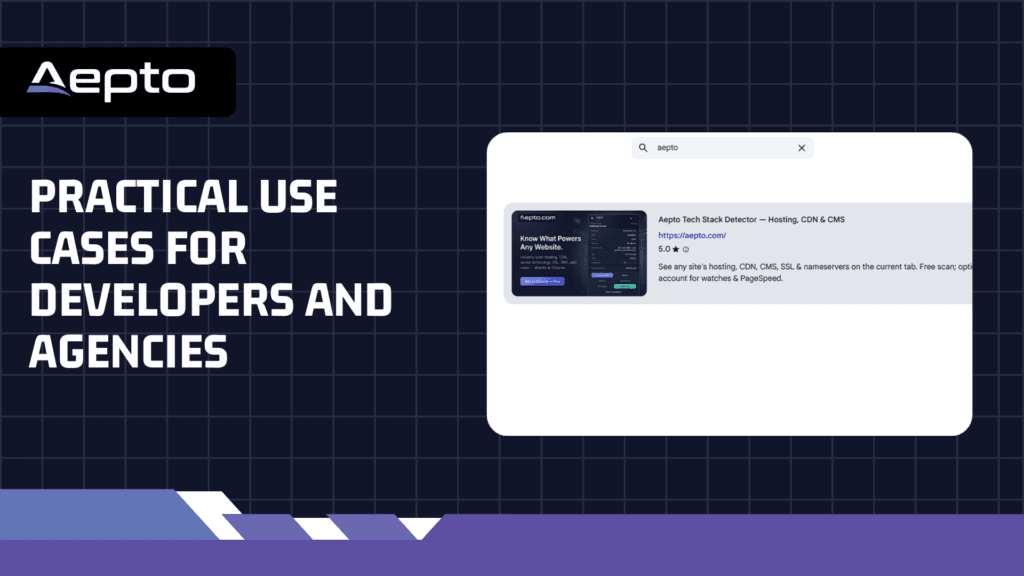
Aepto Tech Stack Detector is a Chrome extension that summarizes the technologies and infrastructure signals visible from the website open in your current tab. Its listed detection areas include hosting provider, CDN, CMS or platform, server, nameservers, SSL, and HTTP version. A quick scan is free and does not require an Aepto account. An optional account can provide higher scan limits and the ability to save domains; paid Aepto plans add broader monitoring and analysis features.
That makes the extension useful for developers, site owners, web agencies, technical SEO professionals, infrastructure teams, and people comparing how different websites are built. Instead of guessing from a site’s design or brand, you can begin with observable technical signals and use those findings to guide further research.
Install Aepto Tech Stack Detector from the Chrome Web Store.
Why Hosting, CDN, and CMS Detection Matters
Hosting: understand the environment serving a site
Web hosting is the environment that makes a website available to visitors. It may be shared hosting, a virtual private server, a dedicated server, or a managed cloud platform. Hosting signals can help an engineer decide what to investigate when evaluating performance or planning a migration. For example, a site that relies on server-rendered pages and a database has different operational needs from a static marketing site deployed to an edge platform.
A detector cannot necessarily identify the exact hosting account or physical machine. Providers often use reverse proxies, cloud networks, shared IP addresses, and managed layers that hide the origin. Treat a hosting result as a clue about the public-facing infrastructure, not as a guaranteed map of the entire architecture.
CDN: identify the delivery layer
A content delivery network distributes or proxies content through a network of edge locations. Depending on configuration, a CDN can cache images, stylesheets, scripts, and pages; reduce latency; absorb traffic spikes; and provide security controls such as request filtering. Common signals include DNS routing, response headers, and provider-specific edge behavior.
Knowing that a CDN is present is not the same as knowing that it is configured well. Dynamic pages may bypass caching, cache rules may be too conservative, or the origin server may still be slow. Use a detection result to ask better questions: which assets are cached, how long do they remain fresh, and what happens when the origin becomes unavailable?
CMS and platform: understand how content is managed
A content management system (CMS) gives teams a way to create and publish pages without manually maintaining every page in code. WordPress, Drupal, and similar systems leave recognizable signals in public markup, asset paths, or metadata. Hosted platforms and commerce systems may expose their own fingerprints as well.
Platform identification is useful when evaluating a redesign, estimating integration complexity, or understanding a competitor’s public-facing setup. However, a site may use a headless CMS, custom middleware, or a frontend framework that obscures the underlying content system. A missing CMS result does not prove that the site has no CMS.
Take the Work Out of Domain Monitoring
Monitor your domains with Aepto’s AI-powered system and spend less time checking websites, ownership changes, expirations, and other important domain activity manually.
What the Extension Can Show
The Chrome Web Store listing describes the following categories. Availability and certainty can vary by site because detection depends on what the site exposes publicly.
| Signal | What it can tell you | How to use it |
|---|---|---|
| Hosting provider | Clues about the provider or hosting layer serving the site | Guide a performance review or hosting comparison |
| CDN | Possible edge network or reverse-proxy provider | Investigate caching, delivery paths, and edge behavior |
| CMS / platform | Potential content management or commerce platform | Plan a migration, integration, or platform assessment |
| Server | Publicly exposed server software or related hints | Direct deeper diagnostics; do not assume a full inventory |
| Nameservers | The DNS provider or nameserver delegation in use | Understand who handles authoritative DNS |
| SSL | Signals related to the site’s TLS certificate and HTTPS setup | Prompt a certificate and HTTPS review |
| HTTP version | The HTTP protocol version observed for the connection | Inform transport and performance checks |
These categories are most useful when considered together. For example, a CDN result and a nameserver result can help explain the site’s delivery path, while the CMS result can point you toward platform-specific performance or maintenance questions.
How to Use Aepto Tech Stack Detector
- Install the extension. Open the official Chrome Web Store listing and add Aepto Tech Stack Detector to Chrome.
- Visit the website you want to inspect. Open the public HTTPS page in a normal browser tab. Start with the homepage, then repeat on important pages if you suspect that different subdomains or applications use different infrastructure.
- Open the extension. Click its toolbar icon to display the available technology information for the current tab.
- Review each category. Read the hosting, CDN, platform, server, nameserver, SSL, and HTTP information that is available. Note which categories return a result and which remain unknown.
- Save domains only if useful. A quick scan does not require an account. If you want to retain domains or use the broader Aepto toolkit, sign in and review the available account features.
- Verify findings before making changes. Use the result as a starting point. Confirm critical details with DNS lookups, response headers, browser developer tools, hosting dashboards, or the site owner’s documentation.
How Technology Detection Works
Website technology detectors generally look for fingerprints that a public website reveals. These may include HTTP response headers, DNS records, TLS certificate information, HTML metadata, asset paths, and platform-specific naming conventions. A CMS may expose a familiar directory structure; a proxy or CDN may add a response header; and DNS delegation may identify a provider’s nameservers.
These signals are not equally reliable. A provider-specific header may be a strong clue, while an IP address alone can be misleading because many customers can share the same cloud or CDN infrastructure. Sites also change over time: teams migrate hosts, introduce a CDN, replace a CMS, or alter headers to reduce information disclosure.
A useful rule is to distinguish between an observed signal and an architectural conclusion. Seeing a CDN-related header is an observation. Concluding that every page is cached at the edge is an architectural conclusion that requires more testing. Similarly, identifying a WordPress asset path suggests WordPress is involved, but does not reveal every plugin, theme, server setting, or integration.
Practical Use Cases for Developers and Agencies
Competitive technology research
When reviewing competing websites, you may want to understand whether they use a hosted commerce platform, a traditional CMS, or a custom frontend. The extension can provide a first-pass view of the public stack. Record the date and page inspected, since technology fingerprints can change and a single page may not represent every part of a large website.
Use this research to formulate questions, not to copy another company’s architecture blindly. Their traffic profile, internal skills, budget, legacy systems, and compliance requirements may be different from yours.
Client discovery and sales qualification
Agencies can use a quick stack review before a discovery call. If a prospect appears to use WordPress, you can ask about hosting, plugin maintenance, backups, and release processes. If the site appears to use a hosted commerce platform, the discussion may focus more on theme customization, integrations, and platform limitations.
Do not present a detected technology as a confirmed problem. A public fingerprint does not establish that a site is slow, insecure, or poorly maintained. Explain what you observed, then ask the client to verify the details in their own account.
Migration planning
Before moving a website, identify the likely CMS, delivery layer, DNS provider, and server clues. This creates a preliminary checklist for discovery. It does not replace a full migration inventory: you still need to document databases, storage, background jobs, email delivery, API dependencies, redirects, certificates, and rollback plans from authorized sources.
Performance investigation
Suppose a landing page loads slowly in one region. A CDN signal can help you investigate whether requests reach an edge location, while the platform clue can guide checks for database queries, plugin overhead, server-side rendering, or cache configuration. Pair the detector with browser timing, real-user monitoring, and server-side metrics rather than attributing a performance issue to a single technology.
Pair Detection With Ongoing Monitoring
A technology snapshot tells you what appears to be in use at the time of a scan. It does not tell you whether a domain will renew, whether DNS records will change unexpectedly, or whether the website will remain reachable tomorrow. Detection and monitoring solve related but different problems.
For websites that matter to revenue or customer access, consider adding uptime monitoring so availability issues are detected outside the browser session. A homepage that loads on your computer can still fail for users in another region or during a later incident.
DNS deserves its own review because a website’s delivery path depends on records and delegation. Aepto’s DNS protection and monitoring approach provides useful context for understanding why DNS changes should be tracked rather than treated as a one-time configuration task.
Certificates also need ongoing attention. The presence of HTTPS during a quick scan does not guarantee that a certificate will remain valid or that every subdomain is correctly configured. Review continuous SSL certificate monitoring as part of your operational checklist.
For a broader view of available capabilities, see Aepto’s monitoring and domain-management features. These services complement a technology scan by helping teams move from discovery to ongoing oversight.
Limits, Accuracy, and Responsible Use
No browser-based detector can reliably expose every component of every website. A site may hide origin infrastructure behind a proxy, serve different content based on geography, render technologies only after JavaScript runs, or use a headless architecture that leaves few obvious CMS fingerprints. Shared hosting and cloud platforms can also make provider attribution ambiguous.
For that reason, treat an unknown result as unknown—not as proof that a technology is absent. Confirm important findings using authorized sources, especially before making infrastructure, purchasing, security, or migration decisions. A scan cannot reveal private server settings, credentials, internal network topology, or a complete software bill of materials unless those details are separately exposed.
Use the extension for legitimate research, your own site audits, client work with authorization, and technical discovery. Do not use public technology clues as a substitute for permission to test a system. If you are responsible for the site, keep a private inventory of providers, certificates, DNS ownership, CMS components, and operational contacts so the team is not dependent on public fingerprints alone.
For further context on infrastructure and hosting services, you can also explore Limitless Hosting’s guide to website performance and hosting.
Conclusion
The Aepto Tech Stack Detector Chrome extension makes it easier to start answering a common technical question: what appears to power this website? By bringing hosting, CDN, CMS/platform, server, nameserver, SSL, and HTTP information into a single popup, it can shorten early-stage research for developers, agencies, site owners, and technical teams.
The strongest results come when you use the extension as a discovery tool, verify important signals, and connect the findings to operational checks. Technology identification is a snapshot; uptime, DNS, and certificate monitoring help you understand what happens after that snapshot. Try Aepto Tech Stack Detector in Chrome, then use Aepto’s wider monitoring toolkit to build a more reliable picture of your web infrastructure.
Frequently Asked Questions
1. Is Aepto Tech Stack Detector free?
Yes. The Chrome Web Store listing says the extension supports a free scan without requiring an Aepto account. Signing in can provide higher scan limits and saved domains, while paid Aepto plans add monitoring and analysis capabilities.
2. Can it identify the exact hosting server behind a website?
Not always. Public signals may identify a hosting provider or fronting service, but CDNs, reverse proxies, shared IP addresses, and cloud platforms can conceal the origin server. Confirm exact infrastructure details through an authorized hosting dashboard or the site operator.
3. Can the extension detect any CMS?
It can identify CMS or platform clues when the website exposes recognizable fingerprints. Headless CMS implementations, custom frontends, and heavily customized sites may not reveal the underlying platform clearly, so an inconclusive result does not prove that no CMS is used.
4. Does detecting a CDN mean a website is fast?
No. A CDN can improve delivery when configured appropriately, but performance also depends on cache rules, origin response time, page weight, JavaScript, database work, and network conditions. Use performance measurements to confirm whether the CDN is helping.
5. Does an SSL result mean the website is fully secure?
No. HTTPS and certificate information are only part of a site’s security posture. They do not establish that the application is free of vulnerabilities, that access controls are correct, or that every subdomain has a valid certificate. Continue with authorized security and configuration checks.
6. What should I do if the detected information looks wrong or incomplete?
Repeat the scan on the relevant page, then compare the result with public DNS records, response headers, browser developer tools, and any authorized administrative documentation. Record uncertain findings as unverified and avoid making changes based on a single fingerprint.
Read More:
- Why Domain Monitoring Is Worth the Investment for Businesses
- How to Reduce the Cost of Monitoring Multiple Domains
- How to Reduce the Cost of Monitoring Multiple Domains
- Aepto Tech Stack Detector Extension: Hosting, CDN & CMS
- Is Domain Protection Worth It? The Definitive Guide to Safeguarding Your Digital Identity